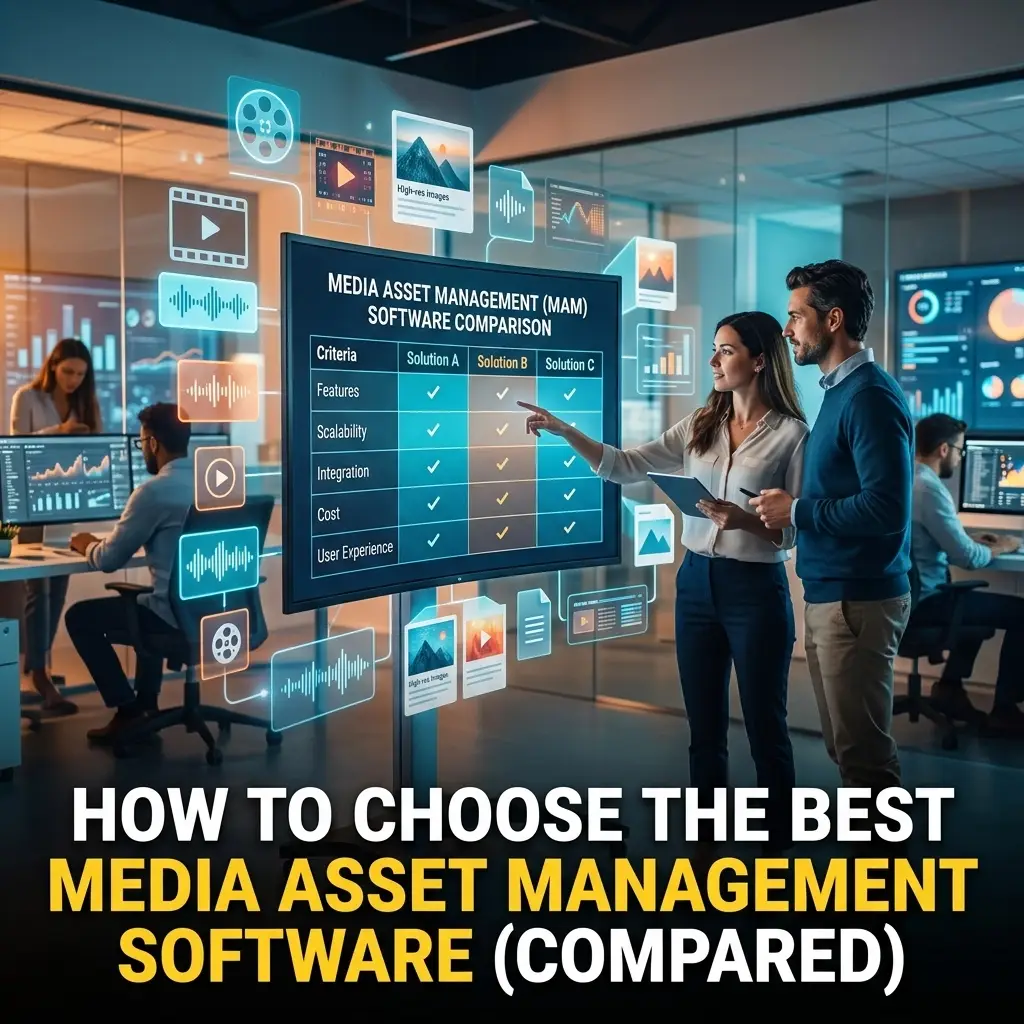
Let’s be real: your media is exploding. Between 4K, 8K, and the sheer volume of social deliverables, your storage is screaming for help. But the bigger problem isn't just space, it’s finding what you need when you need it.
If your creative team is spending hours digging through external hard drives or scrolling through messy folder structures, you don't just have a storage problem. You have a workflow problem.
Choosing the right media asset management software is the difference between a team that creates and a team that searches. But the market is crowded with legacy dinosaurs and overpriced cloud-only silos. You need something that fits how we actually work in 2026.
Here is the breakdown of how to choose the best MAM for your shop, and why the "old way" of doing things is officially dead.
The Architecture: Cloud, On-Prem, or the "Best of Both Worlds"?
In the past, you had two choices. You could buy a massive server rack for your office (On-Prem) or upload everything to a third-party server (Cloud-Only).
The On-Prem Problem: It’s fast when you’re in the office, but it’s a nightmare for remote editors. VPNs are slow, and hardware maintenance is a money pit.
The Cloud-Only Problem: Egress fees will kill your budget. Moving terabytes of raw footage to the cloud takes forever, and you’re essentially paying a "ransom" to get your own data back.
The Modern Solution: The Hybrid Hybrid Architecture.
The ideal media asset management software shouldn't care where your files live. It should sit on top of your existing storage, whether that’s a local NAS in St. Louis or an S3 bucket in the cloud, and give you a single pane of glass to see it all.
- ⚡ That means: You keep your high-res files local for fast editing.
- ⚡ That means: You get cloud-based search and collaboration.
- ⚡ That means: You never have to migrate your data just to "manage" it.

Proxy-First Workflows: The Secret to Remote Speed
If your MAM requires you to download a 50GB source file just to check a 10-second clip, throw it away.
The gold standard for modern media management is a proxy-first workflow. The moment a file is ingested, the system should automatically generate a lightweight, web-friendly proxy.
Why this is huge for your team:
- ✅ Remote Review: Your clients or producers can watch footage on their phones from a beach without buffering.
- ✅ Cloud Editing: Editors can stream these proxies directly into their NLE (Non-Linear Editor) to cut the timeline, only relinking to the high-res footage for the final render.
- ✅ Zero Latency: No more waiting for "File Transfer Complete" bars to finish.
This is the core of post-production workflow design. If your MAM isn't handling proxies intelligently, it's just a glorified version of Dropbox.
The Interface: If It Looks Like Windows 95, Your Team Won't Use It
We’ve all seen them, legacy MAM systems that look like they require a PhD and a specialized keyboard to operate. They are cluttered, unintuitive, and frankly, ugly.
Creative people want to work in creative environments. The best media asset management software features a modern, browser-based UI that feels as smooth as a high-end social media platform.
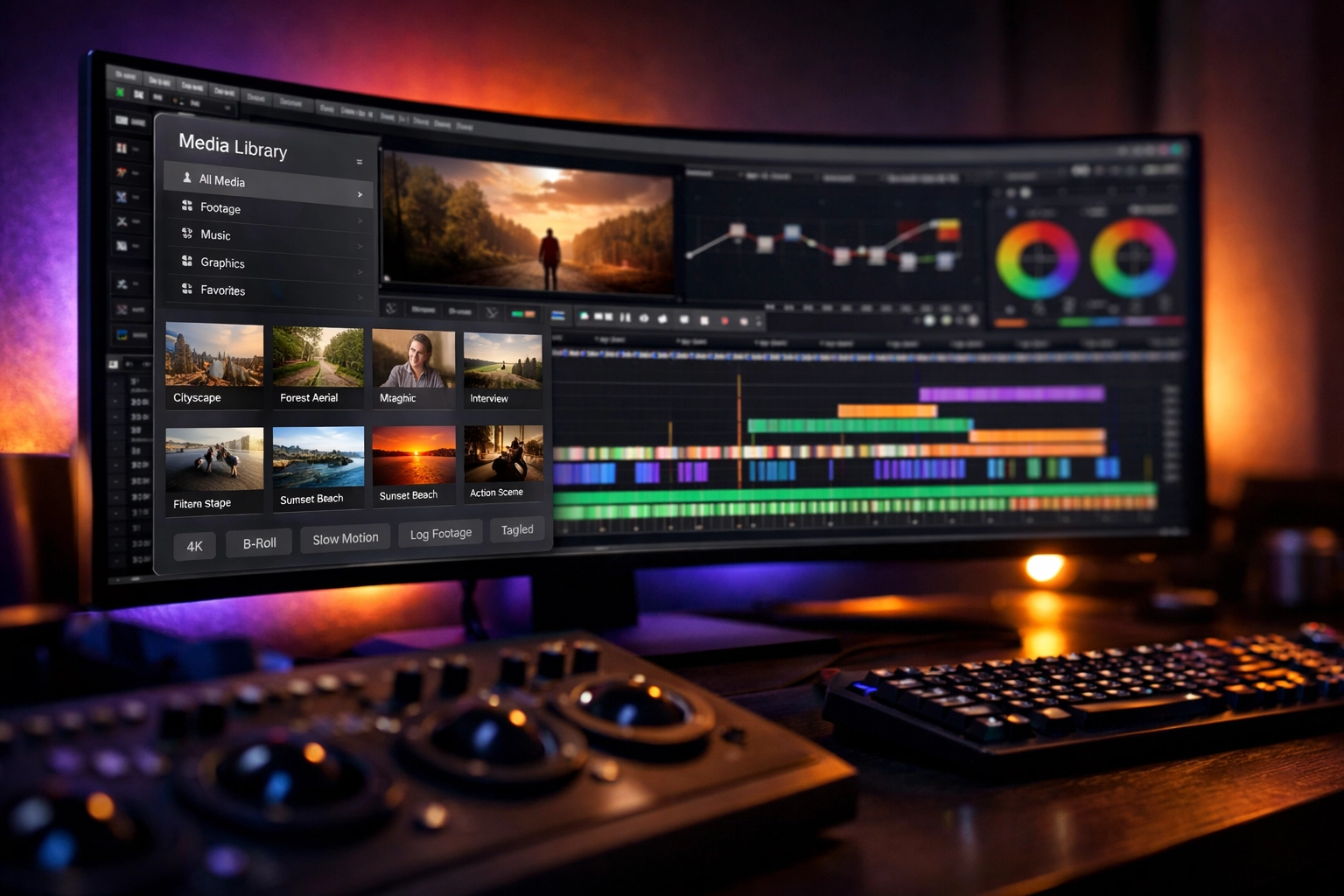
- Visual Discovery: You should see large, beautiful thumbnails and hover-scrub video previews.
- Intuitive Tagging: Adding metadata shouldn't feel like data entry. It should be as simple as clicking a tag or letting AI do the heavy lifting.
- Search that actually works: You should be able to filter by camera type, resolution, date, or custom tags in seconds, not minutes.
If the UI is a hurdle, your team will revert to using "Final_v2_REAL_FINAL_v3.mp4" in a random folder. Don’t let that happen.
MAM Integration: Playing Nice with the Creative Suite
A MAM is not an island. It’s a bridge.
The biggest failure point in most media workflows is the "Export-Import" dance. You find a clip in the MAM, download it, import it into Premiere Pro, edit it, export it, and upload it back to the MAM.
That’s a waste of time.
You need deep mam integration. The ideal software lives inside your creative tools. Imagine a panel inside Adobe Premiere Pro, After Effects, or Photoshop that lets you:
- Search the entire library without leaving the app.
- Drag and drop assets directly onto your timeline.
- Upload finished renders back to the system for review with one click.
Whether you're looking for IT solutions for media in St. Louis or managing a global team, integration is the key to ROI.
Scalability and "Bring Your Own Storage" (BYOS)
Most MAM providers want to sell you storage. They make their money by marking up cloud space and locking you into their ecosystem.
Avoid this trap.
The best systems today follow a "Bring Your Own Storage" model. You choose the storage provider that makes sense for your budget, Backblaze, AWS, Google Cloud, or your own local spinning disks, and the MAM simply manages the metadata.
Why this matters:
- 🔒 Data Sovereignty: You own your files. If you stop using the MAM, your files are still in your own storage accounts.
- 📈 Infinite Scale: Need more space? Just add another bucket or another drive. The MAM will automatically index it.
- 💰 Cost Control: You pay the market rate for storage, not a "MAM tax."
Collaboration and Rights Management
Who can see what? Who can download the masters? Who can only leave comments?
In a professional environment, "everyone has access to everything" is a recipe for disaster. You need granular permissions. The ideal solution allows you to create "Collections" or "Projects" and invite external collaborators (like freelancers or clients) with specific time-limited access.
- 🎯 Public Links: Send a password-protected link for review that expires in 48 hours.
- 🎯 Watermarking: Automatically apply a visual watermark to proxies for security.
- 🎯 Approval Workflows: Status tags like "In Review," "Approved," or "Rejected" keep everyone on the same page.
FAQ: Choosing Your Media Asset Management Software
Q: How long does it take to set up a modern MAM?
A: If it's a cloud-native, hybrid-capable system, you can be up and running in minutes, not weeks. You simply point the software at your storage and let it start indexing.
Q: Does a MAM replace my backup strategy?
A: No. A MAM is a management tool, not a backup tool. However, a good MAM makes it much easier to manage your 3-2-1 backup strategy by showing you exactly where your files are replicated.
Q: Can I use AI for tagging?
A: Absolutely. Modern systems use AI to recognize faces, objects, and even transcribe speech to text. This makes your library searchable by the content of the video, not just the filename.
Q: Is it expensive?
A: It can be, but the "pay-as-you-go" models are much more accessible for small-to-medium teams than the old-school perpetual licenses.
Stop Fighting Your Footage
At the end of the day, a MAM should be invisible. It should just work. It should be the quiet engine that powers your creativity, allowing you to spend less time managing files and more time making content.
At 1303 Systems, we specialize in broadcasting and media integration. We've seen every "solution" under the sun, and we know what works for the modern creative hustle.
If you’re tired of the "where is that file?" game, let’s talk. We can help you implement a hybrid, proxy-first workflow that actually makes sense for your team.
Ready to modernize your workflow?
Contact 1303 Systems today and let’s build something better.
Checklist for Your Next MAM
- Does it support Hybrid Cloud (On-prem + Cloud)?
- Does it generate proxies automatically for remote work?
- Is there a native panel for Adobe Creative Cloud?
- Can I "Bring My Own Storage"?
- Is the UI modern and easy for non-technical users?
If the answer to any of those is "No," keep looking. Or better yet, give us a call. We’ll show you exactly what the "Yes" looks like.