Everyone is talking about the cloud.
Your vendors are talking about it. Your colleagues are talking about it. Even your accountant is probably asking why you still have "that noisy server room" in the back of the office.
The promise is seductive: Edit from anywhere. Unlimited scale. No hardware to maintain.
But if you’ve actually tried to run a high-pressure post-production house entirely on a 100% cloud-based infrastructure, you know the reality isn't always a dream. In fact, for many teams, it’s a bottleneck that eats budgets and kills creativity.
At 1303 Systems, we’ve seen it all. We know that in the world of professional video, the "all or nothing" approach to technology rarely works.
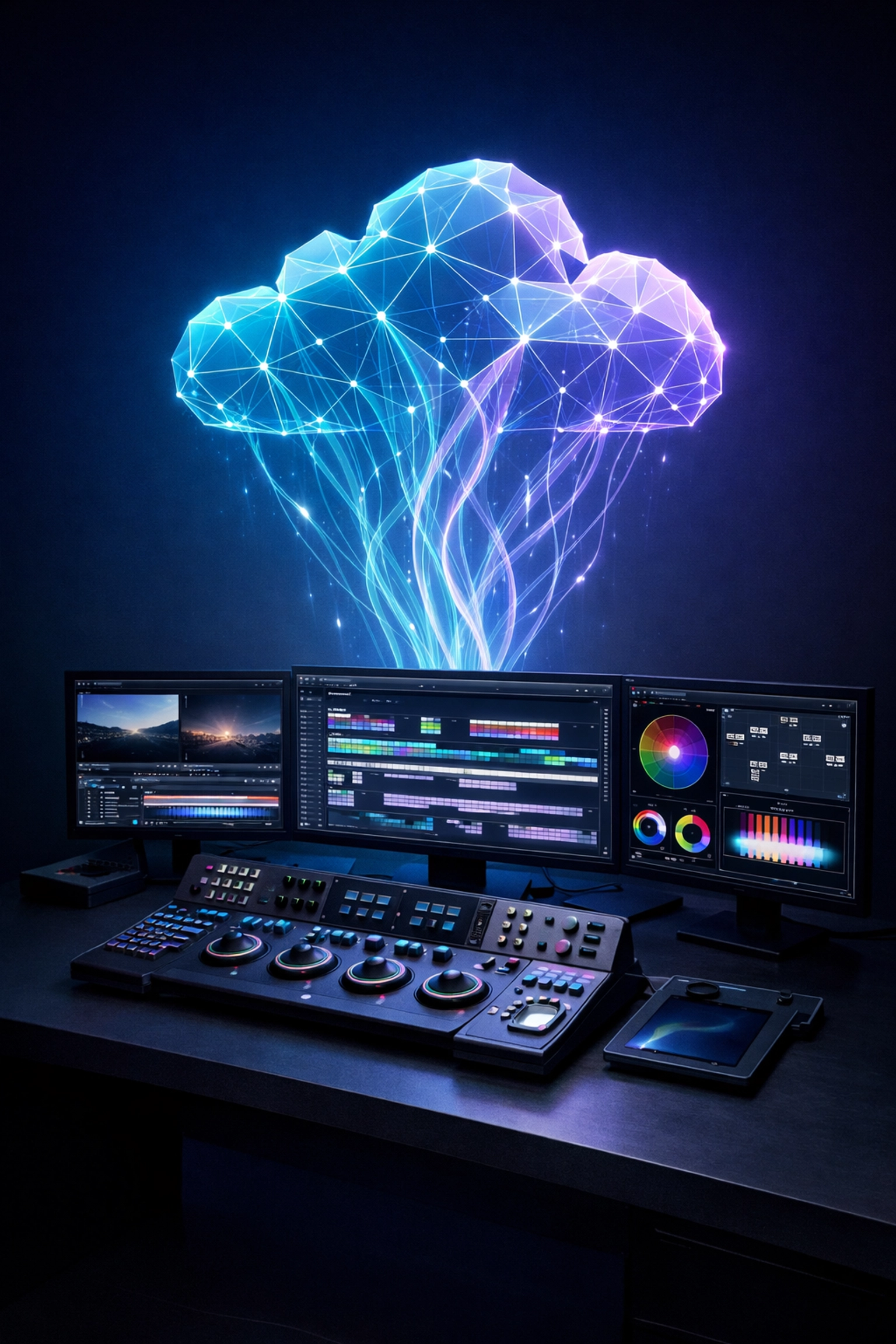
Here is the truth: You don’t need to be 100% cloud. You need a hybrid approach.
The "Cloud-Only" Trap: Latency and The Egress Tax
Let's get real for a second.
Video files are massive. They’re getting bigger every day. 8K, RAW, high-frame-rate, it’s a lot of data.
When you go 100% cloud, you are at the mercy of two things that you can’t fully control: physics and pricing.
1. The Latency Problem
Editing is about feel. It’s about that split-second timing on a cut. When you press play on a 4K timeline, you need that frame to appear instantly.
Even with the fastest fiber connection, editing high-resolution media directly from a cloud bucket introduces "jitter" and latency.
- Dropping frames? That’s latency.
- The "spinning wheel of death" while scrubbing? Latency.
- Laggy UI response? You guessed it.
For professional editors, that lag isn't just annoying. It’s a productivity killer. It breaks the flow.
2. The Egress Fee Nightmare
Cloud storage providers love it when you upload data. They usually make it free to get your footage into the cloud.
But the moment you want to move it, download it, or send it to a finishing house? Egress fees.
These "invisible taxes" can spiral out of control. If you aren't careful, your monthly cloud bill can end up costing more than a brand-new high-performance shared storage for video editing system would have cost upfront.
The Solution: The Hybrid Shared Storage Strategy
If 100% cloud is too expensive and slow, and 100% on-premise feels outdated for remote teams, what’s the answer?
The Hybrid Cloud.
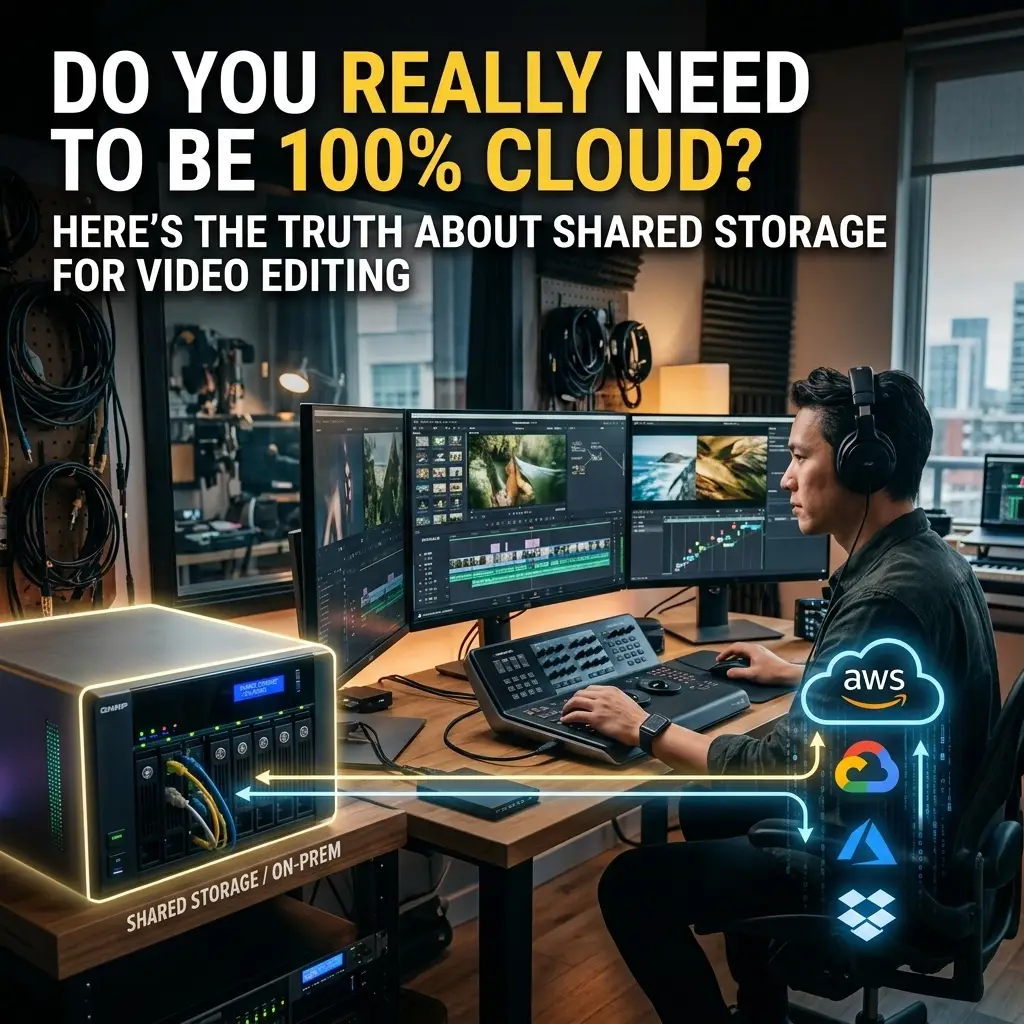
It’s the "best of both worlds" setup that the world's most efficient studios are using right now. It looks like this:
- Local Shared Storage: Your high-res, original camera files (OCF) stay on a high-speed local server in your office or facility.
- Cloud-Based MAM: Your Media Asset Management solutions live in the cloud, handling metadata, search, and proxies.
- Remote Collaboration: Your editors work off lightweight proxies synced to the cloud, while the heavy lifting stays on the local iron.
Why This Works
By keeping the high-resolution media on local shared storage, you get 10GbE or even 25GbE speeds directly to your workstation.
Zero lag. Zero egress fees for daily editing.
Then, you leverage the cloud for what it’s actually good at: Search and Collaboration.
Your team can search for a clip from their home office, see the metadata, and even do a rough cut using proxies, all while the 40TB of RAW footage stays safely (and cheaply) on your local infrastructure.
Why Local Shared Storage Still Rules for Post Production
Don't let anyone tell you that "on-prem is dead."
When it comes to post production storage solutions, having a physical box in your rack offers advantages the cloud simply can't touch:
- ⚡ Blazing Speed: Local NVMe or SSD-cached arrays deliver throughput that would make a cloud connection weep.
- 🎯 Predictable Costs: You buy the drives. You own the space. No monthly "surprises" when you decide to archive a project.
- 🔒 Security and Control: You know exactly where your data is. For clients with high-security requirements (like major studios or healthcare), this is often non-negotiable.
Whether you are a boutique agency or a massive broadcast house, having a solid foundation of infrastructure optimization is key to a smooth workflow.
Media Workflow Automation: The "Glue"
The biggest challenge of a hybrid setup is keeping everything in sync. This is where media workflow automation comes in.
You don't want your assistant editors manually uploading files to the cloud all night. You need a system that does it for you.
A modern, automated workflow can:
- Ingest footage to your local shared storage.
- Transcode proxy files automatically.
- Upload those proxies to your cloud MAM.
- Sync metadata back and forth.
This isn't just a "nice to have." It’s mission-critical. It removes human error and ensures that your collaboration workflows stay fast and reliable.
Is This Approach Right For You?
Not every team needs a hybrid setup, but most do. Ask yourself these questions:
✅ Are you editing 4K, 6K, or 8K footage?
If yes, you need local shared storage. The cloud isn't ready for your RAW timelines yet.
✅ Do you have remote editors?
If yes, you need a cloud-based MAM for proxy workflows and metadata sharing.
✅ Are you tired of unpredictable monthly bills?
If yes, moving your primary storage back on-premise (with cloud backup) will save you a fortune in egress fees.
✅ Do you need to scale quickly for big projects?
A hybrid approach lets you keep your core assets local while using the cloud for temporary "burst" storage and global review links.
If you checked more than two boxes, it’s time to look at your media-it strategy.
How 1303 Systems Can Help
At 1303 Systems, we don't just sell boxes or cloud subscriptions. We build solutions.
We’ve helped everyone from small creative teams to massive broadcast media organizations find the "sweet spot" between local performance and cloud flexibility.
Whether you need a complete overhaul of your shared storage for video editing or you just want to automate your messy ingest process, we have your back.
We understand the pressure of a deadline. We know that when the storage goes down, the money stops. That’s why we focus on rock-solid support and infrastructure that just works.
Frequently Asked Questions
Q: Is local storage harder to maintain than cloud storage?
A: Not necessarily. Modern NAS and SAN solutions are designed with high-availability and easy management in mind. Plus, with a partner like 1303 Systems, we handle the heavy lifting of maintenance for you.
Q: Can I edit directly off the cloud if I have 1Gbps internet?
A: You can, but it’s still not as responsive as local storage. You’ll likely face issues with multi-stream playback and complex timelines. Proxies are almost always the better choice for remote work.
Q: What is the best cloud MAM for a hybrid setup?
A: There isn't a one-size-fits-all answer. It depends on your editing software (Premiere, Resolve, Avid) and your team size. We help our clients evaluate partners to find the best fit for their specific needs.
Q: How much can I save by switching to hybrid?
A: For high-volume teams, the savings in egress fees alone can pay for the local hardware within 12 to 18 months.
Stop Fighting Your Storage. Start Editing.
The cloud is a tool, not a destination.
Don't let the hype push you into a 100% cloud workflow that slows you down and drains your bank account. Take control of your media with a hybrid strategy that prioritizes performance where it matters and collaboration where it counts.
Ready to optimize your workflow?
Don't wait until your next project hits a bottleneck. Let’s talk about building a storage solution that actually keeps up with your creativity.
Whether it's a new shared storage array, a MAM implementation, or a full portfolio-project workflow design: we’re ready to help you win.
Let's get to work.